
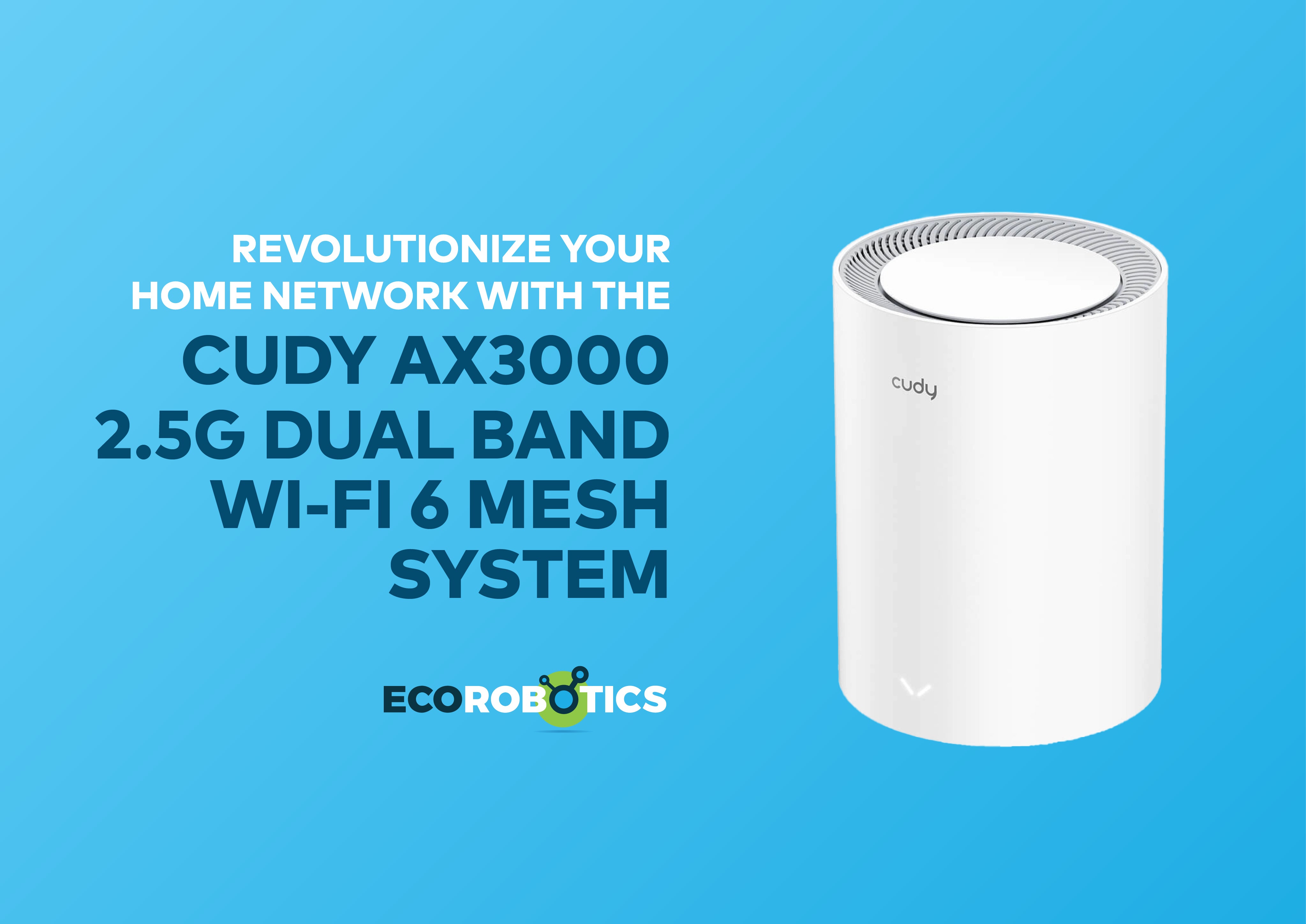
Tired of Wi-Fi dead zones in your home or office? Struggling with sluggish connections when multiple users are online? It’s high time you upgrade your network with the Cudy AX3000 2.5G Dual Band Wi-Fi 6 Mesh System. A powerful, feature-rich solution designed to eliminate connectivity issues and deliver fast, reliable, whole-home coverage. Combining the latest Wi-Fi 6 technology with advanced mesh capabilities, this device ensures seamless performance across all areas of your space. But what truly sets it apart from the rest? And how can it be effectively integrated into your internal network? In this review, we explore the standout features of this beautiful masterpiece and help you determine why it could be the perfect fit for your home or small business setup.
First impressions
At its core, the Cudy AX3000 is a Wi-Fi 6 (802.11ax) mesh router system designed to improve wireless performance and extend coverage throughout a space. Fresh out of the box, with its accessories (ethernet cable, powers supply as well as instruction manuals) the AX3000 looks sleek and modern.

The nodes are compact, minimalistic, and with its black or white color range it’s easy to fit into any décor set up. The setup promises to be simple via the Cudy app, and the 2.5G WAN port on the main node immediately lets us know that this device is ready for the next generation fiber internet.
What you get (Key features and benefits)
The following is what the AX-3000 offers:
- Wi-Fi 6 (802.11ax) - Which is up to 3x faster than Wi-Fi 5 routers and older versions
- Dual-Band Speeds – Enjoy up to 574 Mbps on 2.4GHz and up to 2402 Mbps on 5GHz
- Mesh System - Which is a seamless Wi-Fi coverage across multiple rooms
- 2.5G Ethernet Port - To use for ultra-fast wired connections
- Parental Controls & WPA3 Security – For advanced protection against unauthorized access, this keeps your network secured and is user friendly
- App Control – Allows you to manage settings, guest networks, parental controls, manage device access and filter content right from your fingertips (Phone, Tab, ThinkPad, PC, etc.)
- MU-MIMO & OFDMA – Supports efficient data delivery to multiple devices at once
How it integrates with your internal network
One of the best things about the Cudy AX3000 is how flexibly it integrates into your existing setup.
Here is how you can use it:
- Router Mode (default): You can use the AX3000 as the primary router, connecting it directly to your internet modem. This replaces your old router and establishes a mesh system from scratch.
- Access Point (AP) Mode: If you already have a preferred router or a more complex internal network (for example, with a firewall or managed switch), the AX3000 can be switched to AP mode. In this mode, it connects via ethernet to your existing network and provides Wi-Fi coverage without managing routing or DHCP (this is ideal for expanding wireless reach without disrupting your internal network configuration).
- Wired Backhaul: For enhanced performance, especially in bandwidth-heavy environments, the mesh nodes can be connected to each other using patch cables. This reduces the load on the wireless backbone and improves overall speed and reliability.
Fun fact
By offering multiple deployment options, the AX3000 can fit into both home and small office environments, whether you’re building a new network or enhancing an existing one.
Use cases and applications
Here’s where the Cudy AX3000 shines:
- Smart homes — With many IoT devices, smart speakers, security cameras, and connected appliances, the AX3000 ensures smooth, responsive performance.
- Remote work setups — Stable video calls, cloud services, and remote desktop sessions depend on low-latency, high-speed Wi-Fi.
- Small businesses — Offices with multiple employees and devices can benefit from the mesh system’s expandability and wired backhaul options.
- Gaming and streaming — For families or individuals who game or stream in 4K, the dual-band mesh system provides the bandwidth needed without interruptions.
Did you know:
While the major advantage of the AX3000 is its flexibility, however, mesh feature only works in Router Mode and can only mesh with other Cudy AX3000 units and or with Cudy RE3000 and Cudy WR3000E. If used in Access Point Mode, it won’t support mesh but can still extend coverage via Ethernet.
Visual highlights
Sometimes, a picture says more than words. Here’s a closer look at the Cudy AX3000’s real world setup.
- After powering it up and connecting it, one can log onto its website to configure it as instructed in the manual.

-
After logging in, a user can then set up his AX3000 according to his/ her needs in three easy steps.
Select Mode which user would like to use.
Select appropriate time zone of user.

In this case, default mode was used (Mesh Wi-Fi Router), hence now, we select the Wide Area Network (WAN) mode where we chose which protocol we would like to use.
Then set the SSID names and passwords accordingly.
After, it shows a summary of the settings a user has selected, and if user is not satisfied, one can always go back, else, save and apply settings.
-
And just like that your AX3000 is set. After signing in the new Wi-Fi, one can then access the full functions.

-
And with a click of a button, the user has access to advanced settings where they can control either the Network, Security or System settings.
-
Let's not forget to test our internet speed, to see if it's really working the way we would like it to.

-
And if it's not working the way we would like it, it even has diagnostic tools to help us find where the problem is.

-
In Mesh Access Point mode, user can connect another AX3000, or any compatible device as mentioned earlier for advanced use and Wi-Fi extension, by simply connected it to the main AX3000 with a press of a button as instructed.

Final thoughts
The Cudy AX3000 2.5G Dual Band Wi-Fi 6 Mesh System represents a powerful, yet affordable upgrade for anyone looking to improve their wireless network. Its combination of Wi-Fi 6 speeds, mesh flexibility, and 2.5G WAN support makes it well-suited for modern homes and small offices with demanding connectivity needs.
With the ability to integrate smoothly into an internal network, whether as a primary router, an access point, or part of a larger wired system, the AX3000 offers a practical and scalable solution for today’s connected world.
If you are planning a network upgrade or building out a new installation, the AX3000 is worth considering as a future-ready backbone for your wireless environment.