



Description
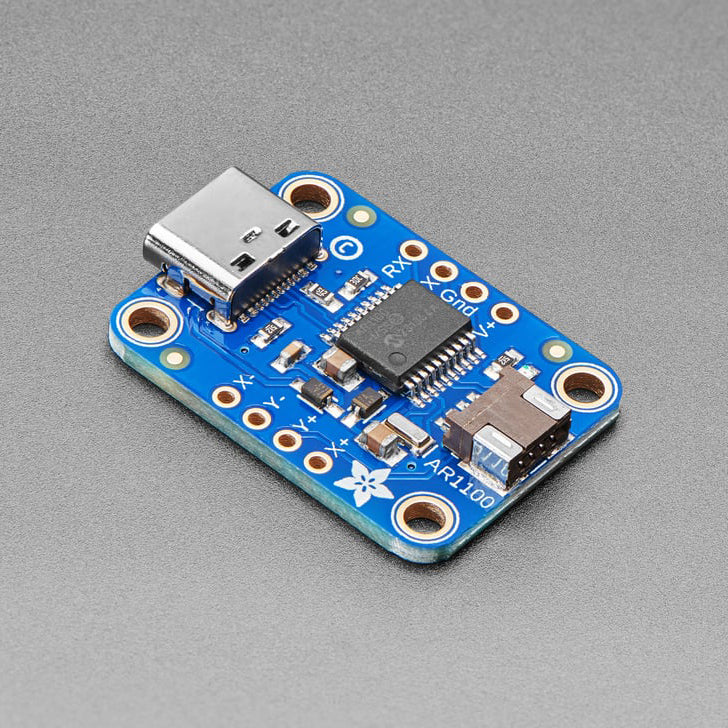
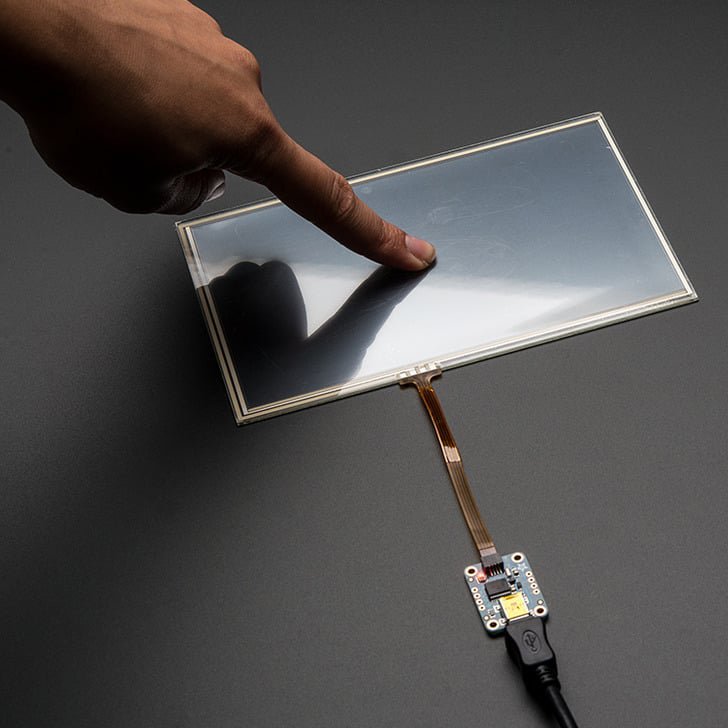
The ADAFRUIT AR1100 controller converts a compatible four-wire resistive touchscreen into a standard USB Human Interface Device. Once calibrated, a computer recognises touch input as a mouse or digitiser without requiring a custom driver.
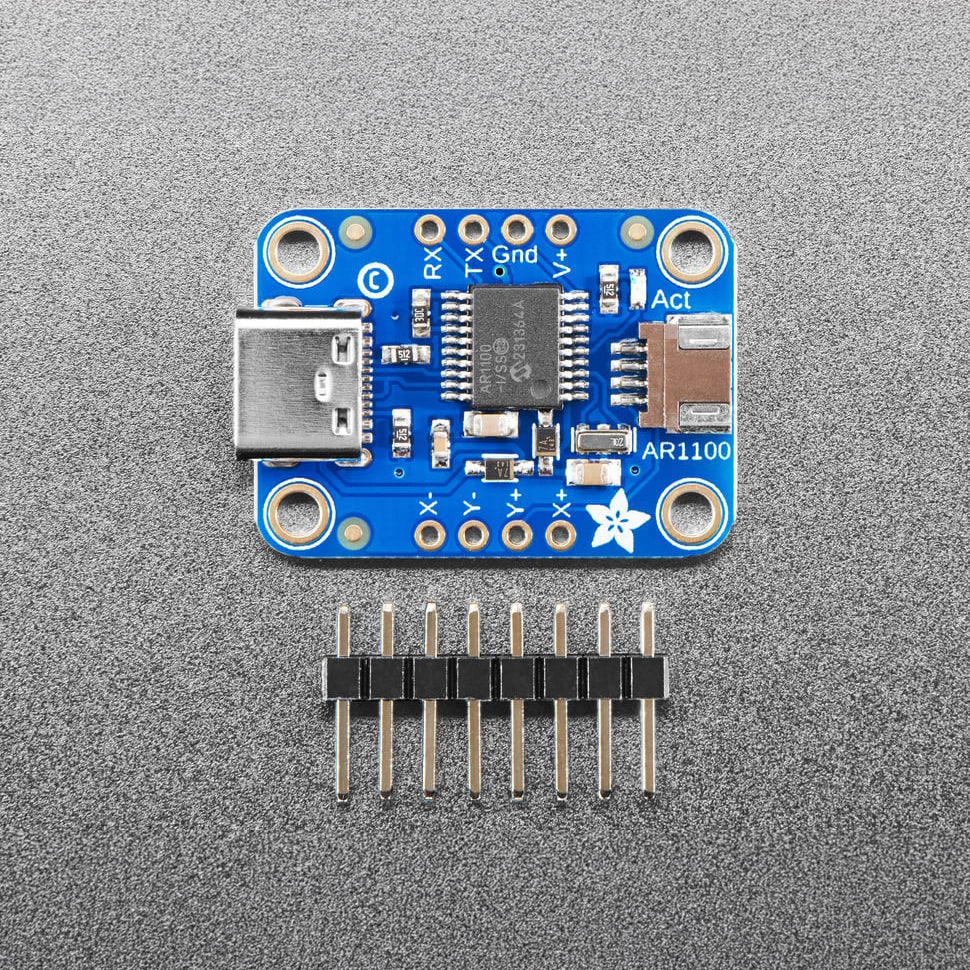
It is useful when adding touch control to a display connected to Windows, macOS, Linux or a Raspberry Pi. A 1 mm-pitch FPC connector supports many medium and large overlays, while breakout pads allow other four-wire panels to be connected by wiring or soldering. The linked ADAFRUIT guide covers first connection and Windows calibration.
Why you’ll love it
- Turns resistive touch into USB input: Lets a compatible overlay control a computer like a mouse or digitiser.
- Driver-free after calibration: Uses the standard USB HID class on supported operating systems.
- Flexible screen connection: Use the 1 mm FPC connector or the four breakout contacts.
- Calibration can be retained: Set the screen up in the Windows utility, then use it on another supported system.
- Compact project board: Fits easily behind a display or inside a custom enclosure.
- Step-by-step setup help: Follow the linked ADAFRUIT guide for first use, calibration and troubleshooting.
Technical specifications
- Touch input: four-wire resistive
- Computer interface: USB Type-C
- Secondary interface: TTL UART
- FPC pitch: 1 mm
- Board dimensions: approximately 29.2 × 20.3 × 4.9 mm
Documentation and manufacturer information