



Warehouse display
Description
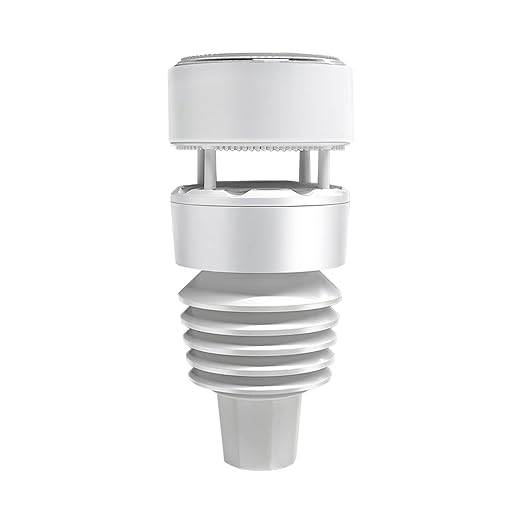
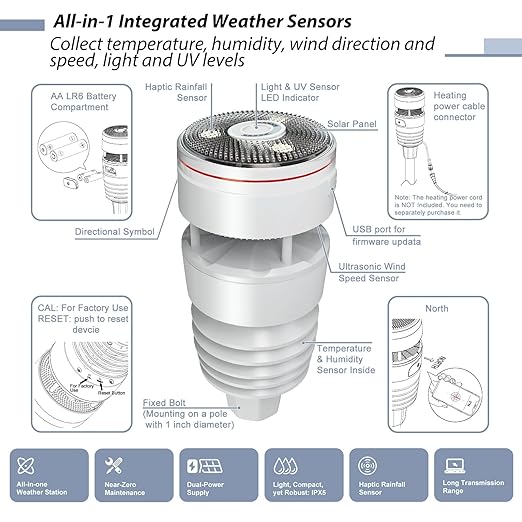
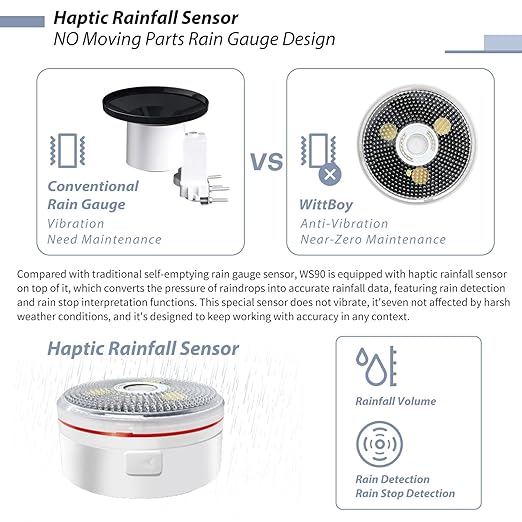
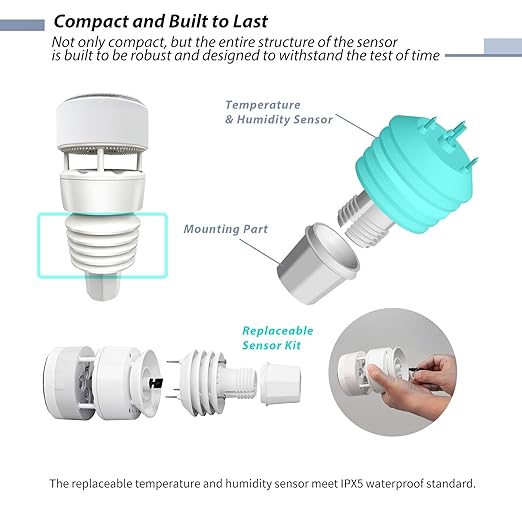
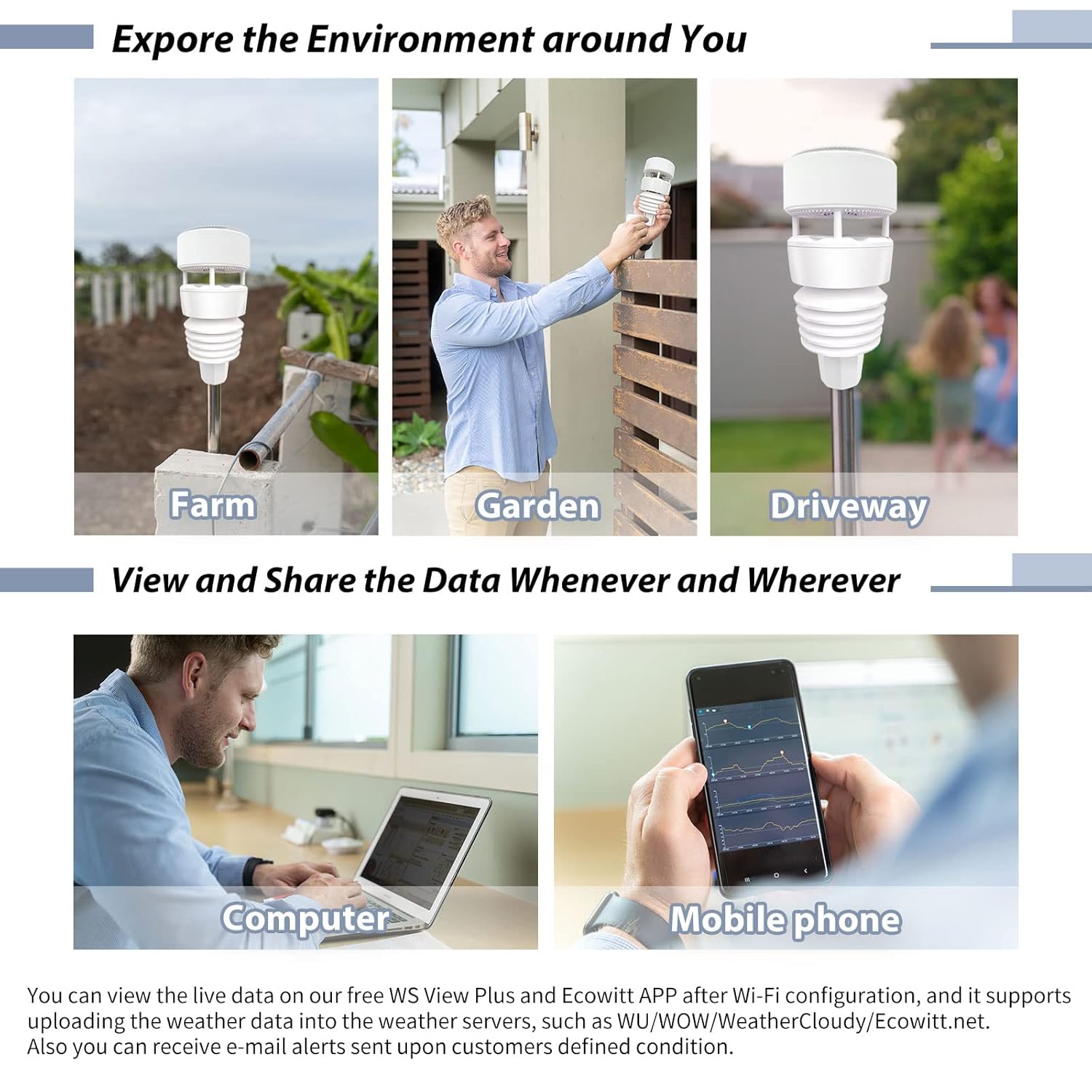
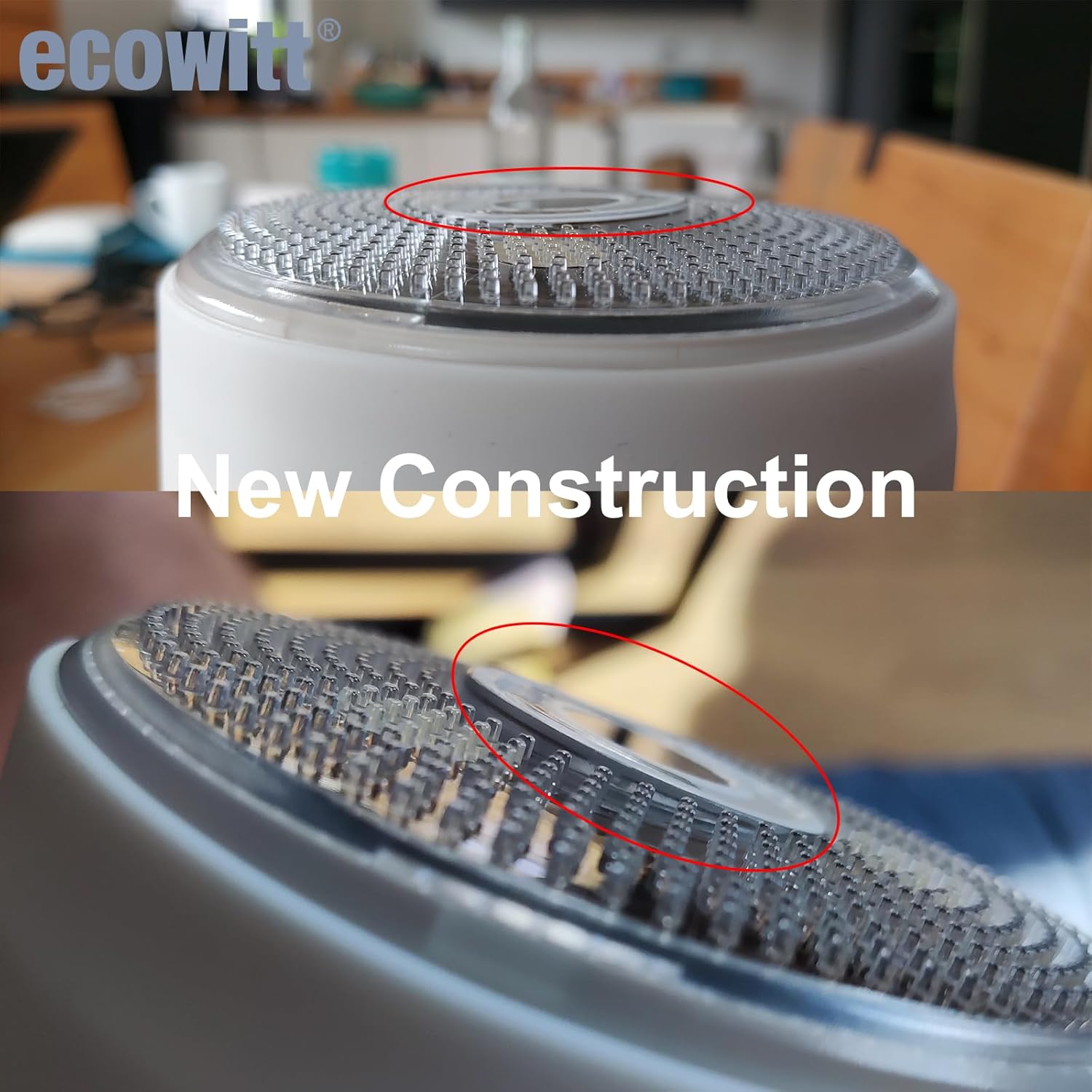
The Shelly Ecowitt WS90 7-in-1 Weather Station is an outdoor sensor array for monitoring local weather and building weather-based automations. It measures wind speed and direction, rainfall, temperature, relative humidity, light, UV index and atmospheric pressure. Ultrasonic wind sensing and haptic rain detection work without moving cups or a tipping bucket.
A compatible gateway is required for Shelly Smart Control. This is the Powered by Shelly Bluetooth/Zigbee version; the station does not connect directly to your Wi-Fi router and is not compatible with standard Ecowitt RF gateways or consoles.
What else is required?
- Gateway for Shelly Smart Control: use the Shelly BLU Gateway. An existing Shelly Plus, Pro, Gen3 or Gen4 device with Bluetooth gateway support can also be used, excluding sensors. You only need one suitable gateway.
- Gateway power: the BLU Gateway plugs directly into a powered 5 V USB-A port. If you need a wall supply, use the USB-A port on the CABLETIME 65 W three-port USB charger. Its EU plug may require the EU-to-South-African plug adapter for your socket. Keep the gateway and charger indoors.
- Network and app: a 2.4 GHz Wi-Fi network for the BLU Gateway, internet access for Shelly cloud functions, and the Shelly Smart Control app with an account.
- Backup batteries: two AA 1.5 V lithium batteries, not included. Use the battery type specified by Shelly. Contact Ecorobotics for suitable 1.5 V lithium AA batteries. Do not substitute 3.6 V AA lithium cells or rechargeable NiMH/NiCd batteries.
- Mounting: a secure Ø25 mm / 1-inch pole and suitable site mounting hardware, supplied separately.
Connection path: WS90 → Bluetooth → Shelly BLU Gateway → 2.4 GHz Wi-Fi router → Shelly Smart Control.
Technical specifications
| Measurement | Range | Accuracy / resolution |
|---|---|---|
| Wind speed | 0–40 m/s | Below 10 m/s: ±1 m/s; from 10 m/s: ±10%. Resolution: 0.1 m/s. |
| Wind direction | 0–359° | ±15°; 1° resolution. |
| Temperature | −40 to +60 °C | ±1 °C; 0.1 °C resolution. |
| Relative humidity | 1–99% RH | ±5% RH; 1% RH resolution. |
| Illuminance | 0–200 klx | ±25%; 0.1 klx resolution. |
| UV index | 1–15 | ±2; resolution 1. |
| Rainfall | 0–9999 mm | Below 5 mm/h: ±20%; 5–50 mm/h: ±10%; above 50 mm/h: ±20%. Resolution: 0.1 mm. |
| Atmospheric pressure | 300–1100 hPa | See the official documentation for further details. |
- Wireless: Bluetooth 5 LE and Zigbee (IEEE 802.15.4).
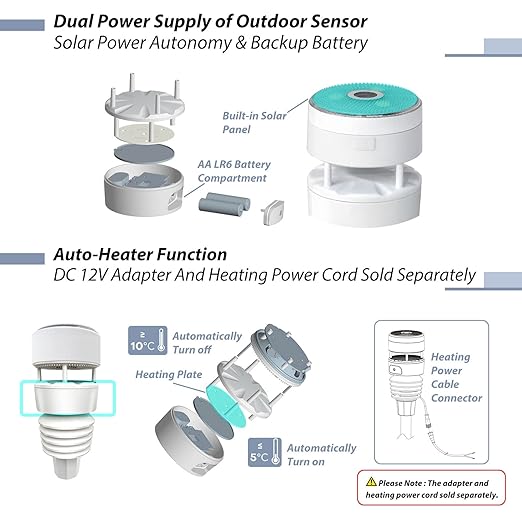
- Power: built-in solar panel with AA battery backup; optional external 12 V DC / 1 A supply, not included.
- Outdoor protection: IPX5 water resistance; not suitable for immersion.
- Size: 208 mm high × 93 mm diameter.
- Weight: 459 g without batteries; 507 g with batteries.
Included and optional accessories
One WS90 Powered by Shelly weather station with built-in solar panel. The gateway, gateway USB supply, AA batteries, mounting pole and external 12 V supply are separate requirements or accessories.
Optional heater supply: a compatible 12 V DC / 1 A WS90 power adapter and cable can power the ultrasonic sensor heater for snow and ice conditions. Use the correct WS90 connector and cable; contact Ecorobotics to confirm availability of a matching adapter and cable.
Compatibility and installation notes
- Zigbee integration requires a hub and software that explicitly support the Shelly WS90 and its weather measurements. Support for all readings is not guaranteed on every Zigbee hub.
- Mount securely, align the north indicator and choose an open position away from obstructions and artificial heat sources, following the manual. Test wireless reception before final installation.
- The station provides weather measurements. Irrigation valves, blind motors, relays and other controlled equipment require their own compatible controllers.
Getting started
- Install the specified batteries and power your chosen gateway.
- Connect the gateway to your network and Shelly Smart Control.
- Follow the WS90 manual to pair the station. Check that its readings update before mounting it outdoors.
- Complete mounting and alignment, then test any automations with your connected equipment.
Tutorials, manuals and technical data
- Official Shelly WS90 user manual download page (PDF attachment) — installation, pairing and operating instructions.
- Ecowitt quick-start and downloads for WS90 Powered by Shelly — use this version-specific page.
- Shelly tutorial: adding your Wi-Fi gateway via Bluetooth — gateway setup; follow the WS90 manual for the station itself.
- Official Shelly WS90 technical specifications and product information — manufacturer-published technical data.
- Shelly developer reference: WS90 Bluetooth data and Zigbee clusters — for custom integrations.